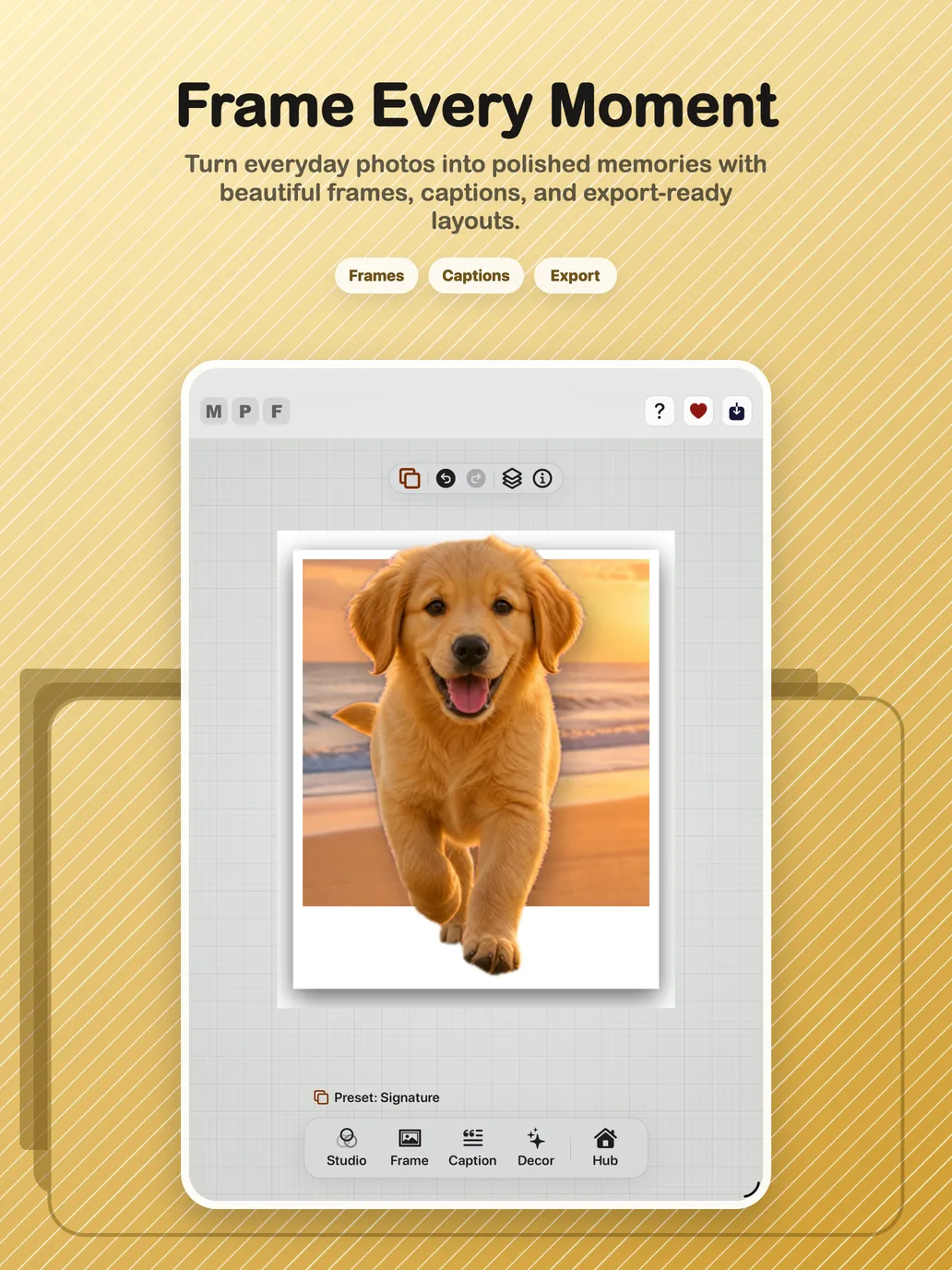
A common frustration with photo editors is that the saved file does not look like the preview: the crop shifts, text moves, quality drops. Export here is not a screenshot of the editor, it is the same composition replayed at delivery quality.
The delivery promise
What the user reviews is what the app delivers.
The live canvas and high-resolution export use the same crop coordinates, frame geometry, layer order and profile snapshot.
No mid-export state drift
No resolution-dependent crop movement
No UI-only ownership of reusable AI assets
EX-01
Validate and snapshot
Confirm a usable document, then capture synchronized document, profile and canvas state.
EX-02
Resolve source
Open the best available full-quality source for this scoped render operation.
EX-03
Render and compose
Rebuild required AI and decor assets, apply shared geometry and assemble final pixels.
EX-04
Deliver safely
Choose format, apply metadata privacy rules, then save or share the result.
Delivery routes
Still image
Animated GIF
Cinematic video
Live Photo
System share
Format rules
Pixels determine the container
PNG protects required transparency.
Opaque stills can use JPEG.
GIF and video receive a solid matte where equivalent alpha is unavailable.
Business controls
Delivery stays under user control
Final review precedes delivery.
Long-running work reports progress and can be cancelled.
Metadata is retained or scrubbed according to privacy settings.
WYSIWYG acceptance criteria
Given a synchronized document, when preview and export render at different resolutions, then normalized photo and caption positions retain the same visual placement.
Given 3D Pop, parallax or a frame shadow, when preview and export calculate clearance, then both use the shared frame-padding decision.
Given reusable AI subject assets, when export runs, then it resolves document-owned artifacts or rebuilds them at export quality rather than depending on a transient UI cache.
Given privacy controls that remove metadata, when the result is delivered, then restricted creation, location or camera data does not travel in the exported file.
Common questions
Why do exported photos sometimes look different from the preview in other apps?
Usually because the preview and the export are drawn by different code paths at different resolutions. Max Photo Frames renders both from one shared geometry contract, so positions, crop and layer order stay identical.
Does exporting share my location or camera data?
Only if you choose to keep it. Metadata is retained or scrubbed according to your privacy settings before the file is delivered.
What resolution do I get?
Exports render at delivery quality from the best available source. When AI subject effects are active the output has a practical ceiling, and the quality picker states this rather than quietly downscaling.