Free without being a teaser
The creative experience is available without a subscription or a paid tier hiding the best tools.
Max Photo Frames is an ongoing personal project: create a genuinely useful app, keep it free, protect people’s photos and improve it one thoughtful release at a time. This page documents the mission, the lessons and the progress honestly.
The ambition is to build the best free photo-frame experience possible on the App Store. That is a direction to work towards, not a ranking claim. Progress means helping people create something meaningful, protecting their privacy and making every release more dependable than the last.
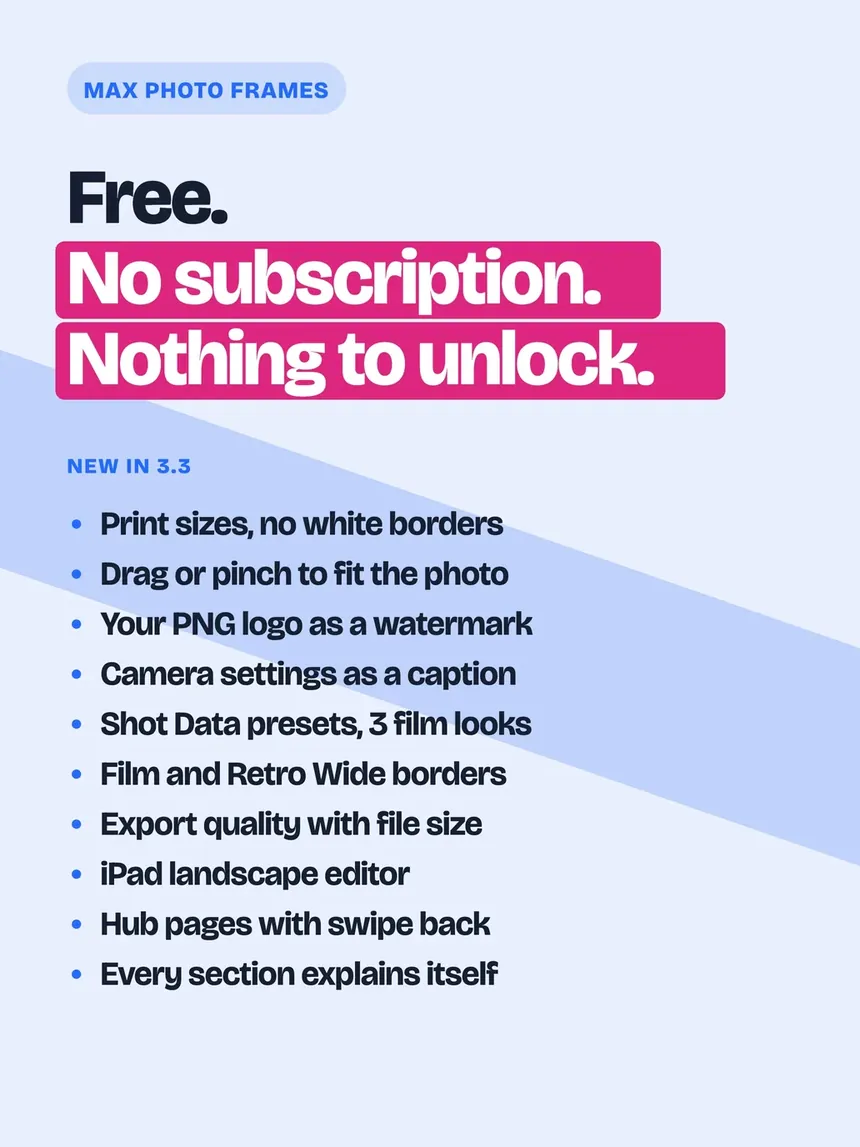
The creative experience is available without a subscription or a paid tier hiding the best tools.
Editing and subject-aware effects run on the device. Optional iCloud Sync moves saved presets, captions and the logos they use, never photos.
The live canvas and final export are built to match, so the finished memory keeps the composition the user approved.
Feedback, written requirements, automated tests and real-device checks turn each lesson into a better release.
Photography has always been one of my hobbies. I wanted a better way to present everyday memories without subscriptions, watermarks or unnecessary photo collection, so I started building one.
The project began as an AI-assisted experiment, and it still is one: about half of its 5,777 commits were made with an AI coding agent. As I learned more about product design and iOS engineering, it grew into a real application with clearer requirements, reusable architecture, careful testing and a stronger responsibility to the people using it.
Each milestone records a customer outcome or an important quality lesson, rather than every private development detail.
The idea becomes a working iPhone and iPad photo-framing app on the App Store.
Date handling, captions, trackers and photo finishing become more dependable.
The interface and requirements are audited so future decisions start from evidence instead of assumptions.
A new architecture, 3D Pop, unified captions and preview-to-export parity create a stronger foundation.
Optional iCloud Sync, full Backup and Restore, safer captions and smaller saved photos improve continuity across devices.
A Live Photo can be saved back out as a Live Photo with your frame and captions on the motion, White Balance arrives, and every caption can be rotated, stacked and locked.
Live on the App Store since 25 September 2026: photos designed for real paper sizes and saved at 300 dots per inch, your own logo to sign every photo, and a caption that shows how the photo was taken.
Shorter menus, a new bottom bar, room for the foldable iPhone, and collage: several photos in one frame.
Version 3.3 is about paper and about you. Pick a real paper size and the photo is saved at 300 dots per inch, edge to edge. Your own logo can be the watermark, and a caption can carry the camera settings the photo was taken with. Optional iCloud Sync keeps My Presets, My Captions and their logos ready on your iPhone and iPad, while photos and unfinished canvases stay private on the device.
The product and website should explain the creative journey quickly and in ordinary language.
Privacy promises, saved results and recovery behaviour must remain clear and verifiable.
Feedback and observation should reduce friction, improve accessibility and make the app more enjoyable.
Tests and real-device verification should protect existing work while new capabilities are added.
A thoughtful review helps more people find the app. A bug report or feature idea helps guide the next round of improvements. Feedback informs the work, but it does not create a promise that every idea will ship.
Yes, completely. Max Photo Frames is free for everyone, with no paid tier and nothing locked behind a subscription. If you enjoy it, optional tips help support development, and a rating or review on the App Store is one of the biggest ways to help it reach more people.
No. There is no sign-up, no login and no profile on our servers. Your creations, presets and captions live on your device.
No. Subject separation and every other AI-assisted effect run on the device itself, and photos are never sent anywhere for processing. If you switch on optional iCloud Sync, saved presets, captions and the logos your presets use, never photos, are copied to your private iCloud account so they appear on your other devices. If a photo carries the place it was taken, the app sends only its coordinates to Apple’s place-name service to suggest a town name for a caption: never the photo, and nothing is sent to us.