Free for iPhone and iPad · Version 3.3

Max Photo Frames

Frame a photo, add your words or your logo, and save it to share or print. Free, private, no account.
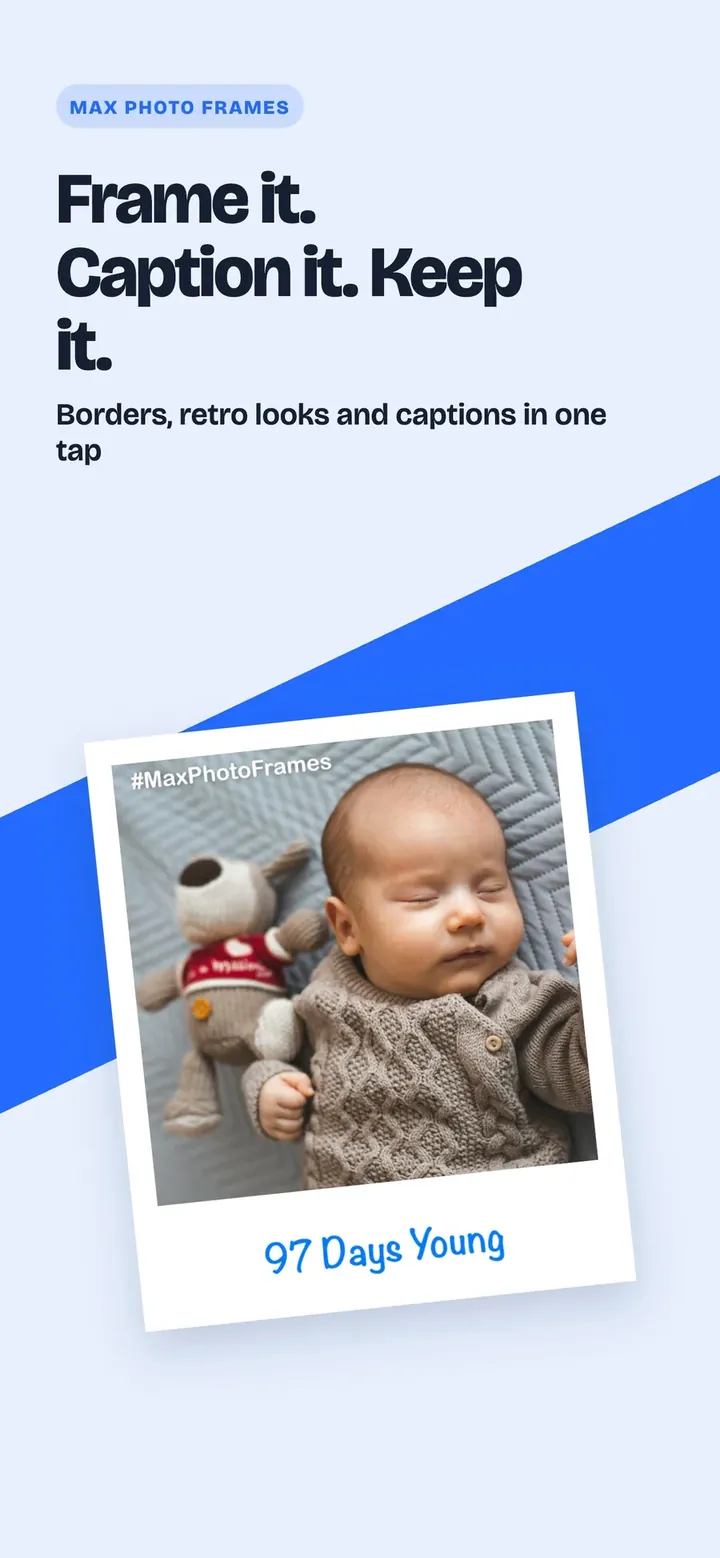
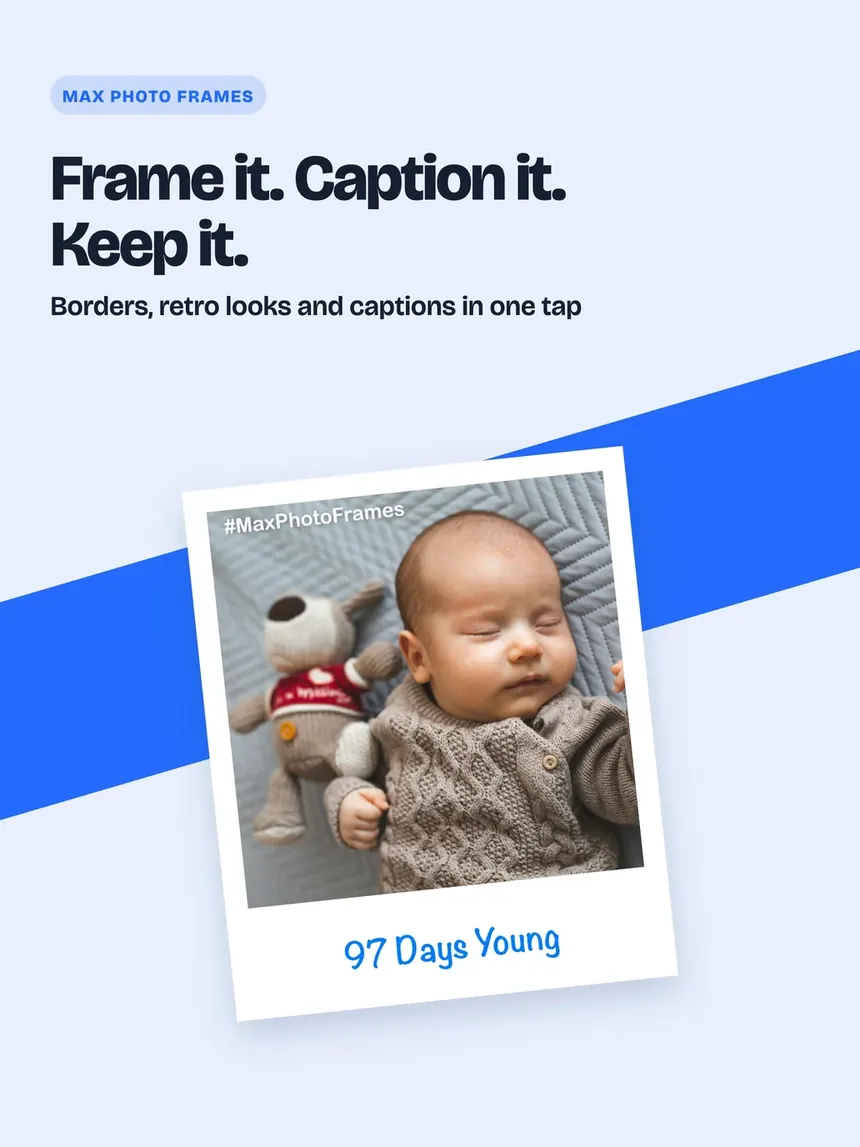
Max Photo Frames on iPhone: a Retro frame and caption on a baby photo

See it

Max Photo Frames on iPhone: Frame it. Caption it. Keep it.
Frame it. Caption it. Keep it.
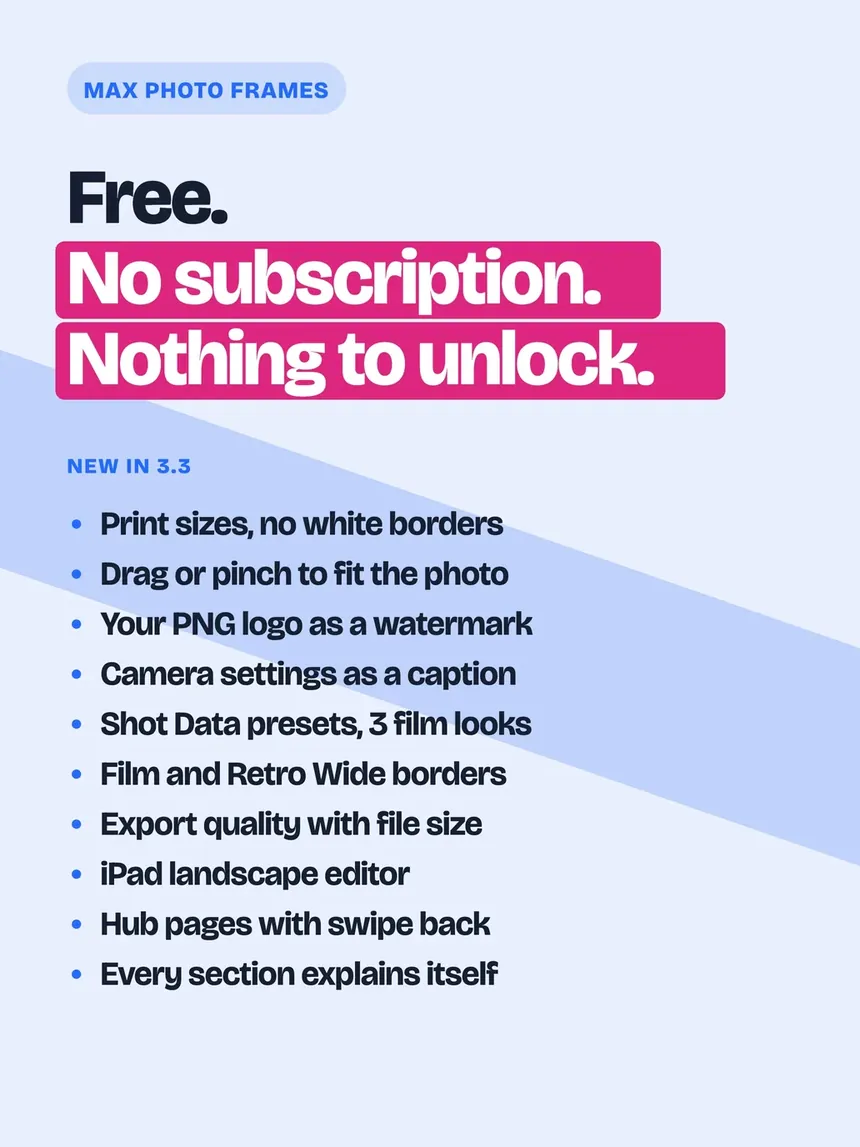
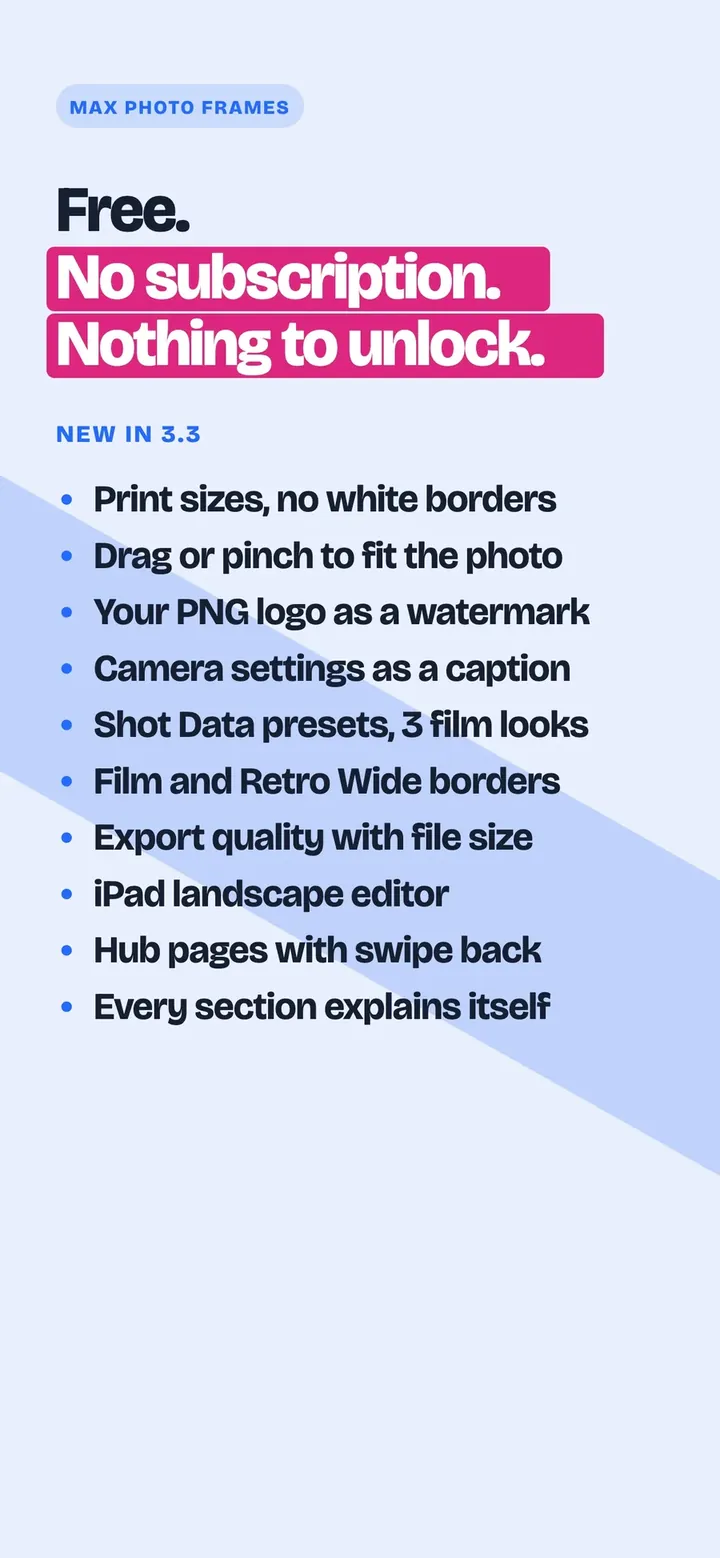
Max Photo Frames on iPhone: Free, with nothing to unlock
Free, with nothing to unlock
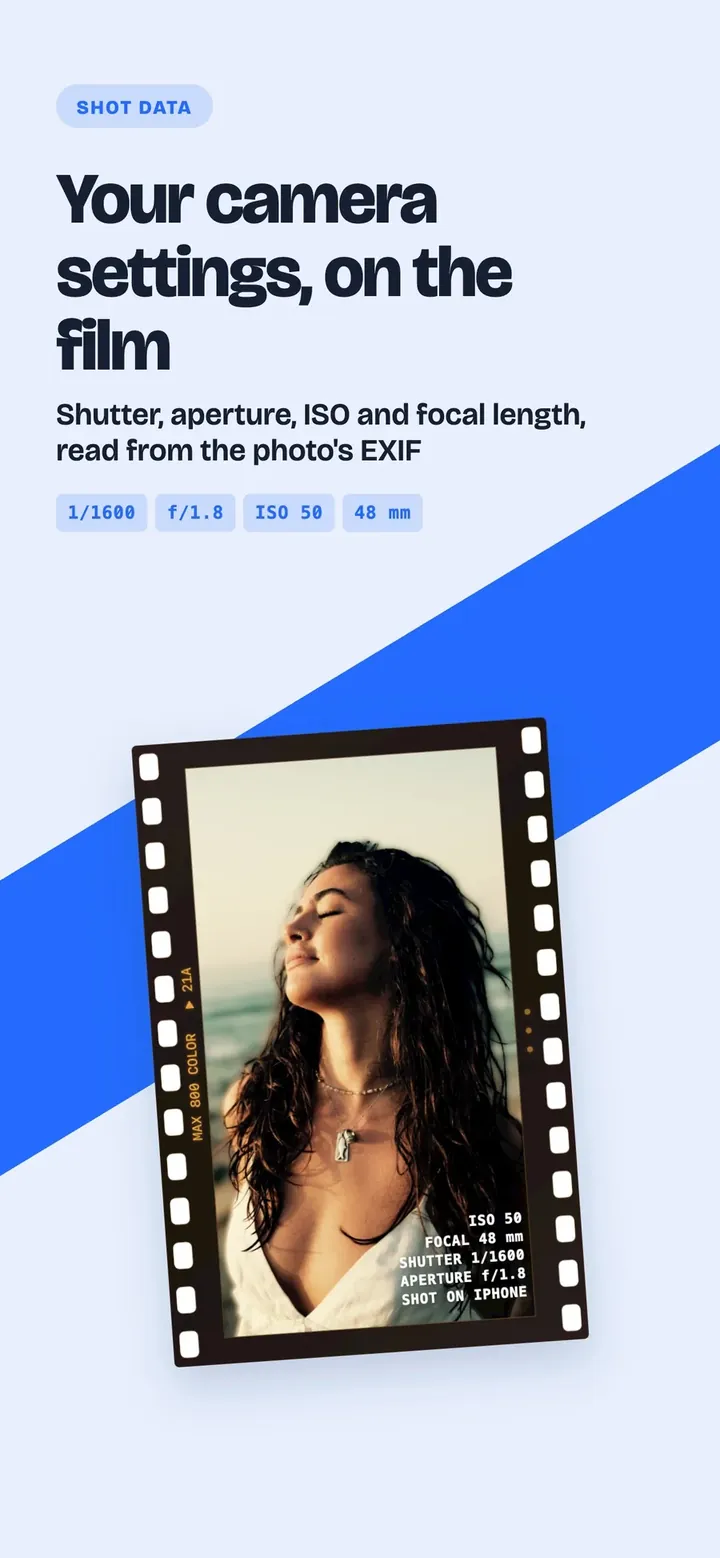
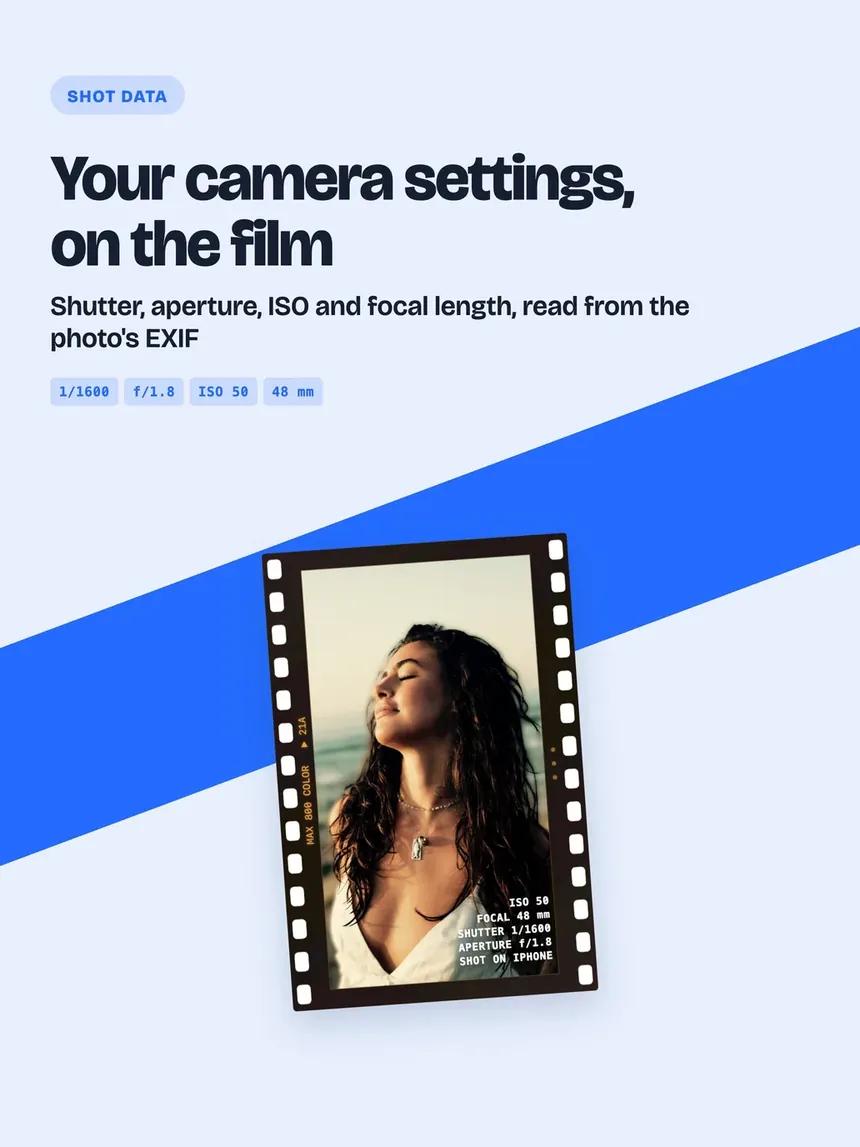
Max Photo Frames on iPhone: Your camera settings, on the film
Your camera settings, on the film
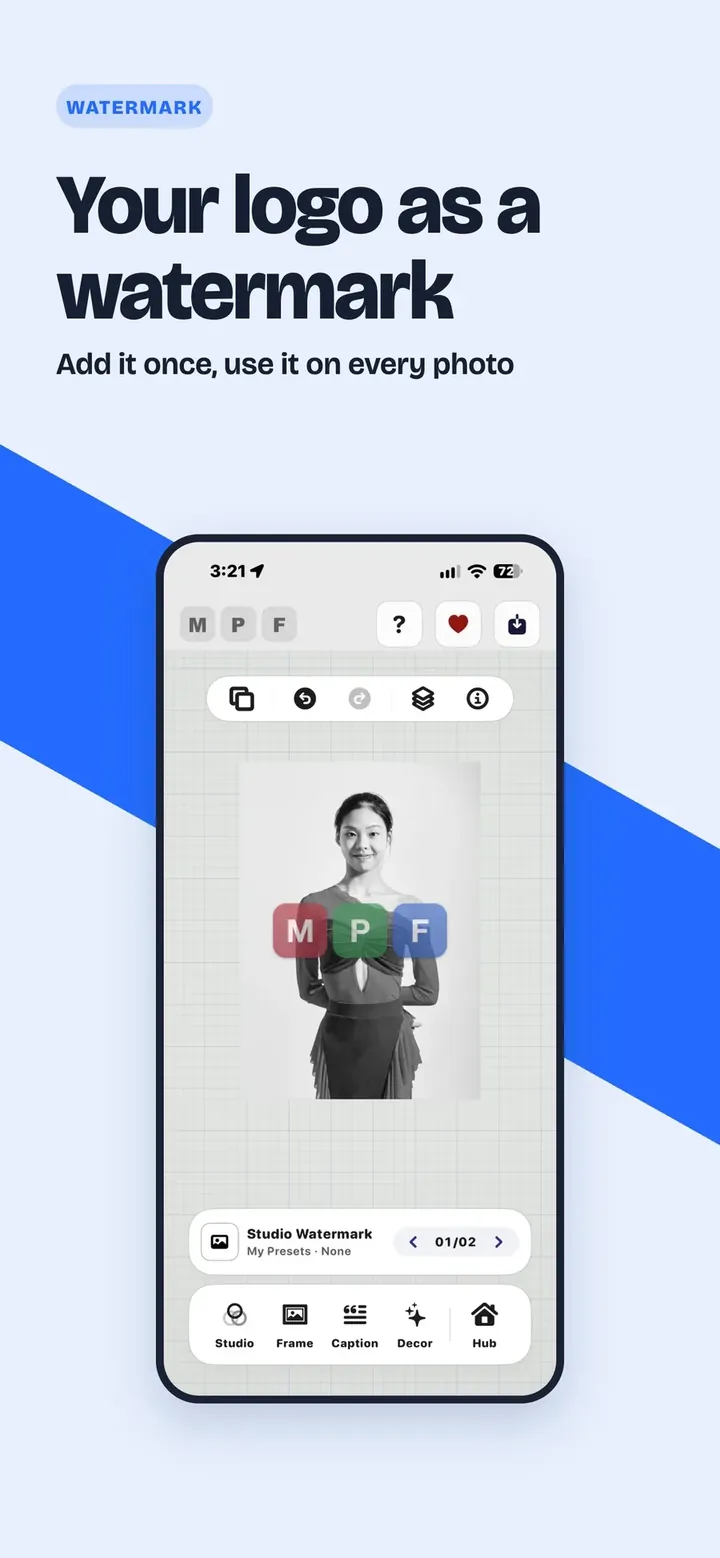
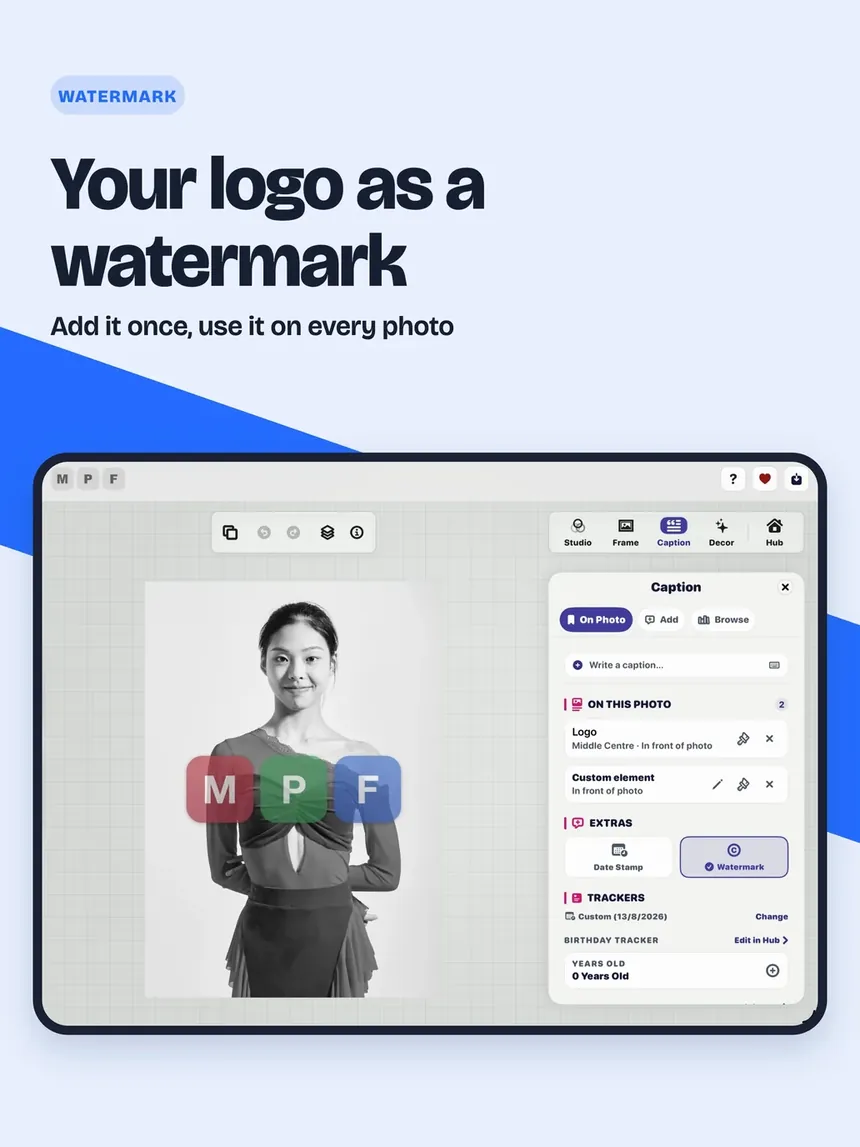
Max Photo Frames on iPhone: Your logo as a watermark
Your logo as a watermark
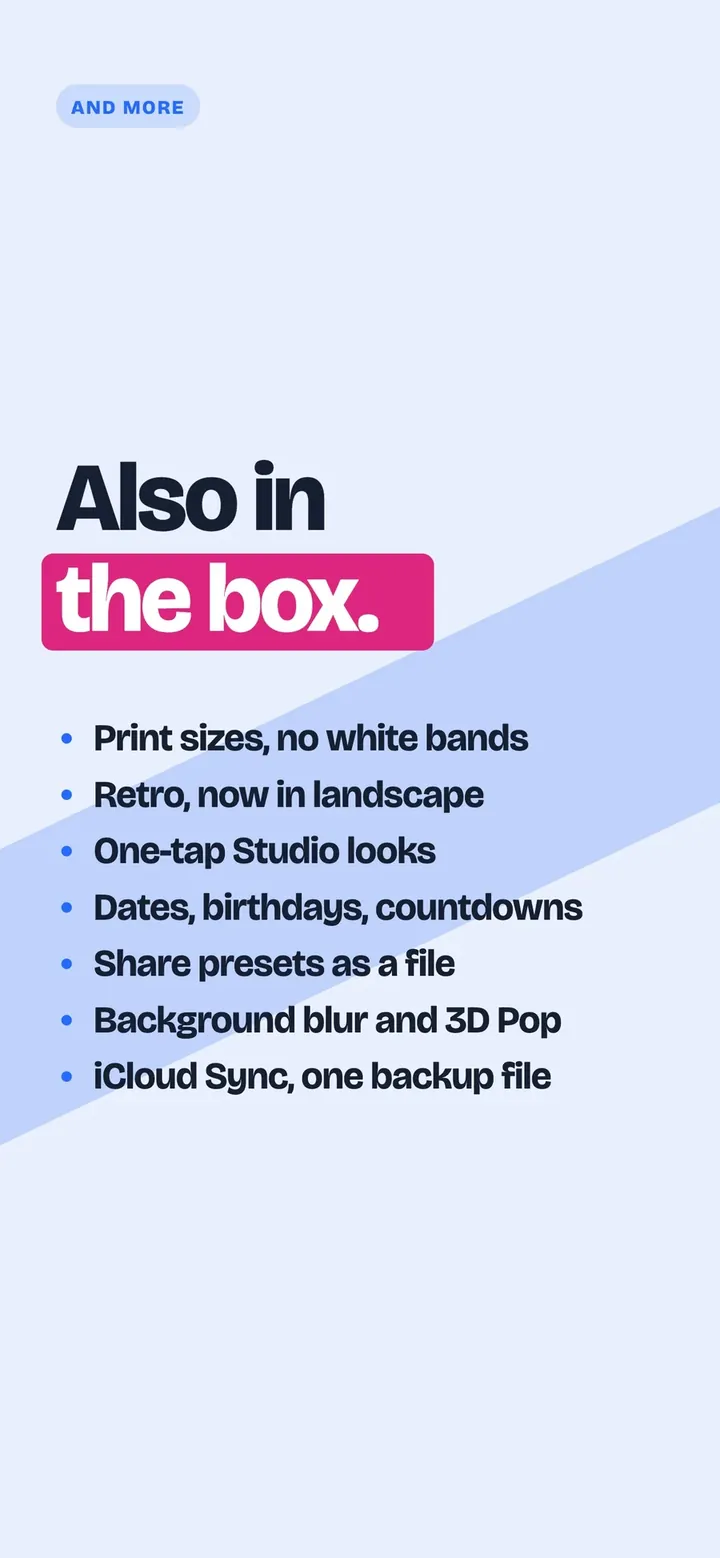
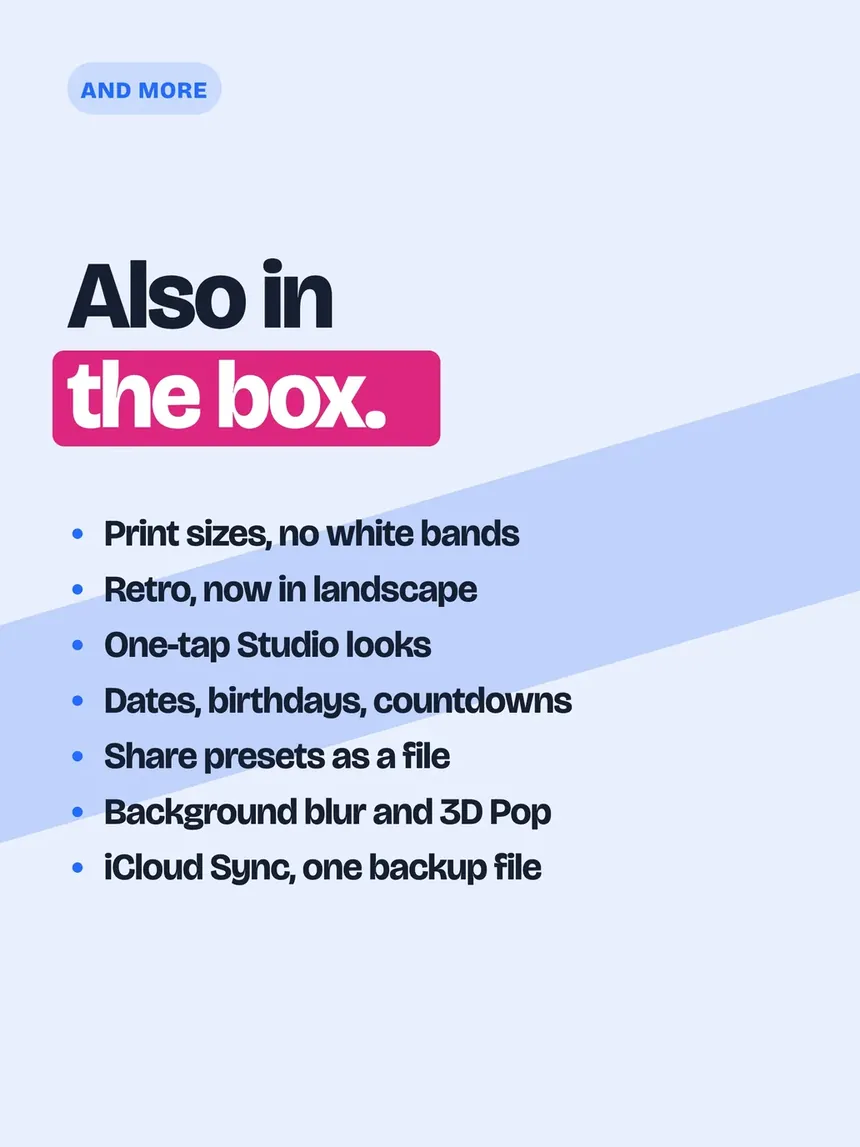
Max Photo Frames on iPhone: Also in the box
Also in the box
Max Photo Frames on iPhone: Your photos stay yours
Your photos stay yours

Print sizes

Pick a paper; it saves at 300 dpi, edge to edge.

Your logo as the watermark

Add it once, use it on every photo.

Camera settings on the photo

Shutter, aperture, ISO and focal length, on film.

iPad landscape editor

Tools on the right; the photo stays put.

Export quality

Choose the quality and see the file size first.

Large text and VoiceOver

Every screen checked at the largest text size.

Everything it does

Frames and presets

Retro, Film and seasonal looks in one tap.

Captions and dates

Words, date stamps and memory trackers.

Your logo

A watermark from your own PNG.

Layer Magic

Blur, cut out or keep the background.

3D Pop and props

Lift the subject; add props to faces.

Print sizes

From 4x6 to A4, at 300 dpi.

Save your way

Photo, Live Photo, video or GIF.

iCloud and backup

Presets, captions and logos, everywhere.

Your language

English, Swedish, Korean and Chinese.

Your photos stay yours.

Editing happens on your device. Nothing is uploaded to us, and there are no ads, accounts or tracking.

Read the privacy policy →

Learn more

Back to top ↑